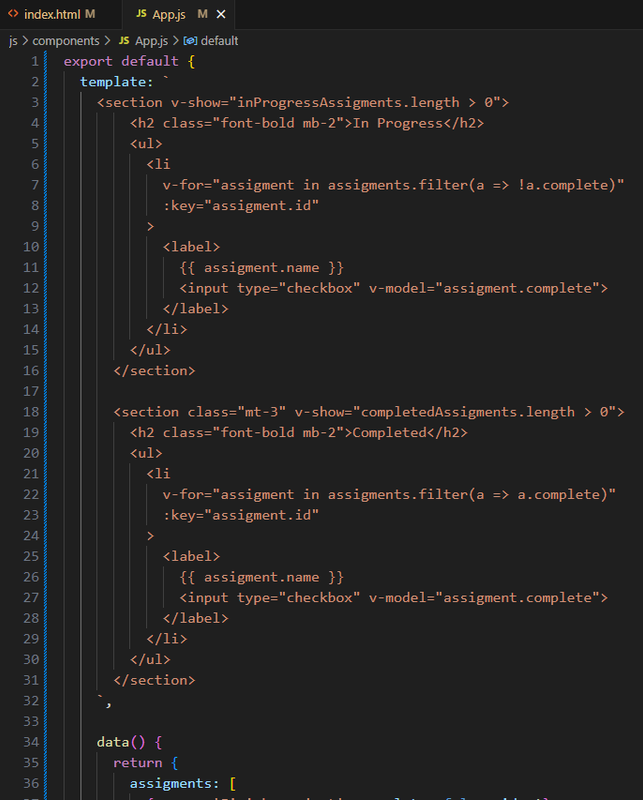
我在laracast.com上学习Vue3教程。我编写了以下按钮模板:
export default {
  template: `
    <button
      :class="{
        'border rounded px-5 py-2 disabled:cursor-not-allowed' : true,
        'bg-blue-600 hover:bg-blue-700' : type == 'primary',
        'bg-purple-200 hover:bg-purple-400' : type == 'secondary',
        'bg-gray-200 hover:bg-gray-400' : type == 'muted',
        'is-loading' : processing
      }"
      :disabled="processing"
    >
      <slot />
    </button>
  `,

  props: {
    type: { // name of the prop
      type: String, // the real type of the prop..
      default: 'primary'
    },

    processing: {
      type: Boolean,
      default: false
    }
  },
};
不幸的是,VS Code没有对模板的HTML部分应用任何语法高亮显示:
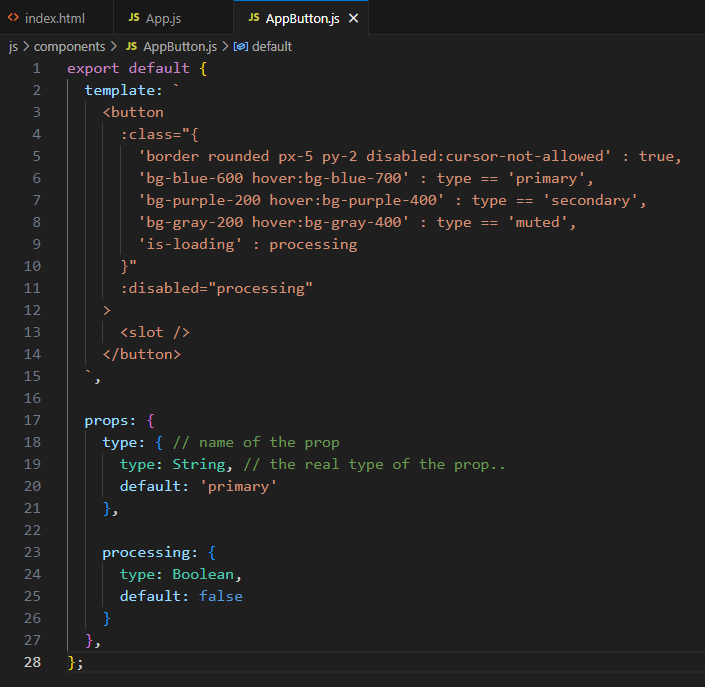
我安装了以下扩展:
-
Vue官方扩展
-
Vue 3支持-一体化
-
Vue VSCode代码段
-
Vue扩展盒
有没有办法在这类模板中突出显示语法?你是怎么处理的?
这同样适用于空白HTML代码: