
代码之家  ›  专栏  ›  技术社区  ›  ground5hark

CSS中的浮动-当浮动到右侧时,间隙/空间在顶部左侧?

  •  3
  • ground5hark  · 技术社区  · 16 年前

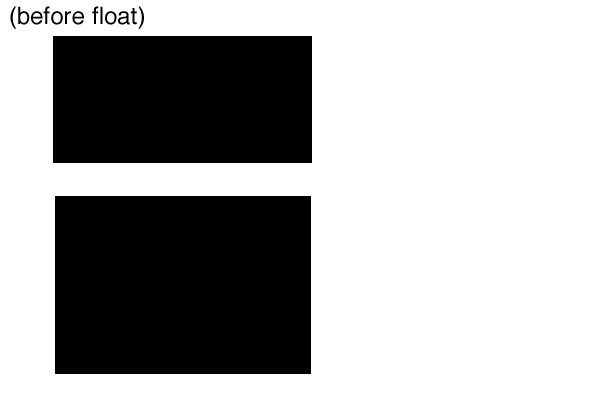
    浮动前:

    alt text

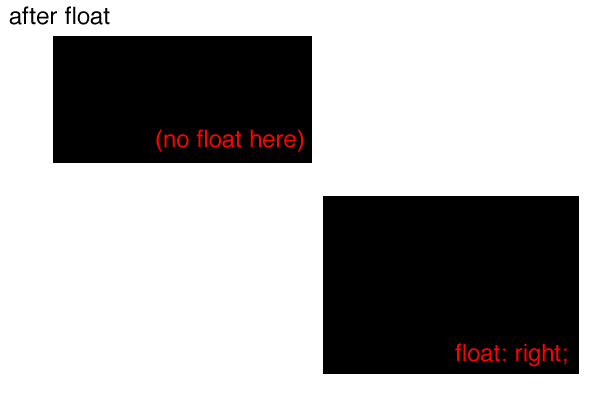
    浮动后:

    alt text

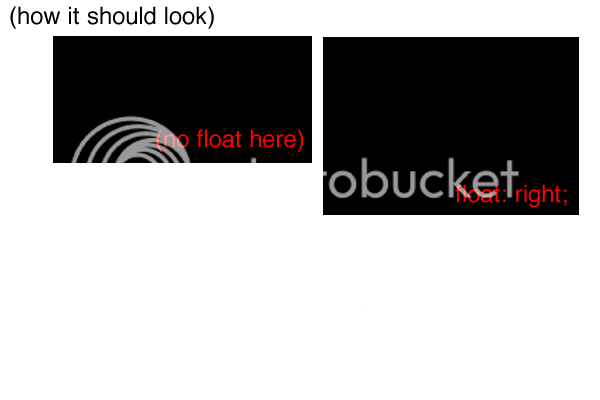
    alt text

    我不确定这是否有区别,但我也有一个空div,在浮动div后面紧跟着“clear:tware”。

    9 回复  |  直到 9 年前
        1
  •  3
  •   Praveen Prasad    16 年前
    <div class="a1">a1</div>
    <div class="a2">a2</div>
    
    .a1
    {
     background-color:Red;
      width:200px;
      height:200px;
    float:left; 
    }
    .a2
    {
      background-color:Green;
      width:200px;
      height:200px;
      float:left;
    }
    

    ==========试试这个

        2
  •  8
  •   David Kolar    16 年前

    float: right div

        3
  •  3
  •   a432511    16 年前

    移除清除div。同时检查这些div上的填充/边距,并确保包含div(父div)的宽度足以容纳两个子div。

        4
  •  3
  •   Alan Haggai Alavi    16 年前

    第一 div 应该有 float: left 设置否则,第一个div(块元素)将占用其自身的所有垂直空间。

        5
  •  3
  •   Nik    13 年前
    HTML
    <div id="container">
       <div id="main">
         blah blah blah blah blah
       </div>
       <div id="aside">
       this goes to the side
       </div>
       <div id="clear"></div>
    </div>
    
    CSS
    div#container
    {
        width : 80%;//your preference
        height : auto;
        margin : 0 auto;//Centers the page
    }
    
    div#main
    {
        width : 70%;
        height : auto;
        display : block;//to wrap it up inside its width
        float : left;//float it towards left
    }
    
    div#aside
    {
        width : 30%;//take up rest of the width size
        height : auto;
        display : block;
        float :right;//float towards right
    }
    
    #clear
    {
        clear : both;//this will do the job
    }
    
        6
  •  0
  •   prodigitalson    16 年前

    示例:

    <div id="container" style="width: 410px;">
    <div style="float: right; width: 200px;">
      <p> Right div</p>
    </div>
    <div style="width: 200px; margin-right: 210px;">
      <p> Left Div</p>
    </div>
    <div style="clear:both;"></div>
    </div>
    

    或:

    <div id="container" style="width: 410px;">
    
    <div style="float: left; width: 200px; margin-right: 10px;">
      <p> Left Div</p>
    </div>
    <div style="float: left; width: 200px;">
      <p> Right div</p>
    </div>
    <div style="clear:both;"></div>
    </div>
    
        7
  •  0
  •   wilwaldon    16 年前

        8
  •  0
  •   bobobobo    16 年前

    如果a1显示为浮动在a2的右侧,则必须将a1放在html的第一位,并将其向右浮动。有点违反直觉,但这是浮动的工作方式。

    <div class="container">
      <div class="a1">a1</div>
      <div class="a2">a2</div>
    </div>
    <style>
    div
    {
      border: solid 2px #000;
      background-color: #eee;
    }
    .a1
    {
     background-color:Red;
      width:200px;
      height:200px;
    float:right; /* the trick is, a1 appears BEFORE a2 in the html, yet
    we are floating a1 right .  if you do it the other way around
    ( try and float a2 ) then it will work like you showed
    (separate line)*/
    }
    .a2
    {
      background-color:Green;
      width:200px;
      height:200px;
      /* don't float this one */
    
    }
    </style>
    
        9
  •  0
  •   Sean    13 年前

    浮动存在空白问题。这就是为什么第二个盒子稍微低一点。

    <div style="float:left">a1</div><div style="float:left">a2</div>
    

    会有用的。

    <div style="float:left">a1</div>
    <div style="float:left">a2</div> 
    

    推荐文章